

Bring the game home.
A coach broadcasts from a phone on the sideline. The team and its fans watch live or later.
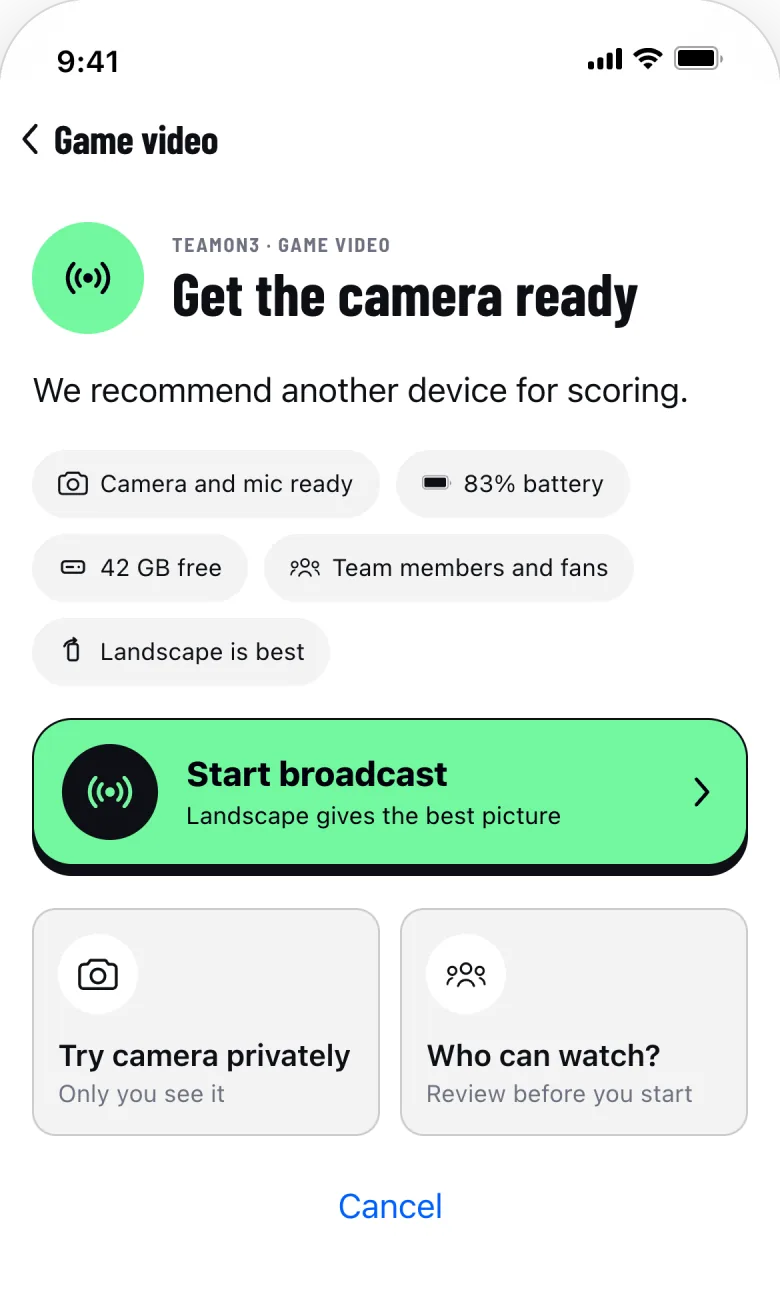
Broadcast from your phone.
No camera rig, no extra app. Open the game in Events and choose Game video.
- A preflight checks camera, battery and storage
- Try the camera privately first
- Staff or a Scorekeeper can broadcast
Who can watch?
The team, never the public. There is no open link to pass around.
-
The team and its fans
Signed-in members and fans. Grandparents join as fans.
-
Linked guardians
A linked guardian, with consent recorded, can watch.
-
Nobody else
No public page, no search listing, no sharing.
Watch live or later.
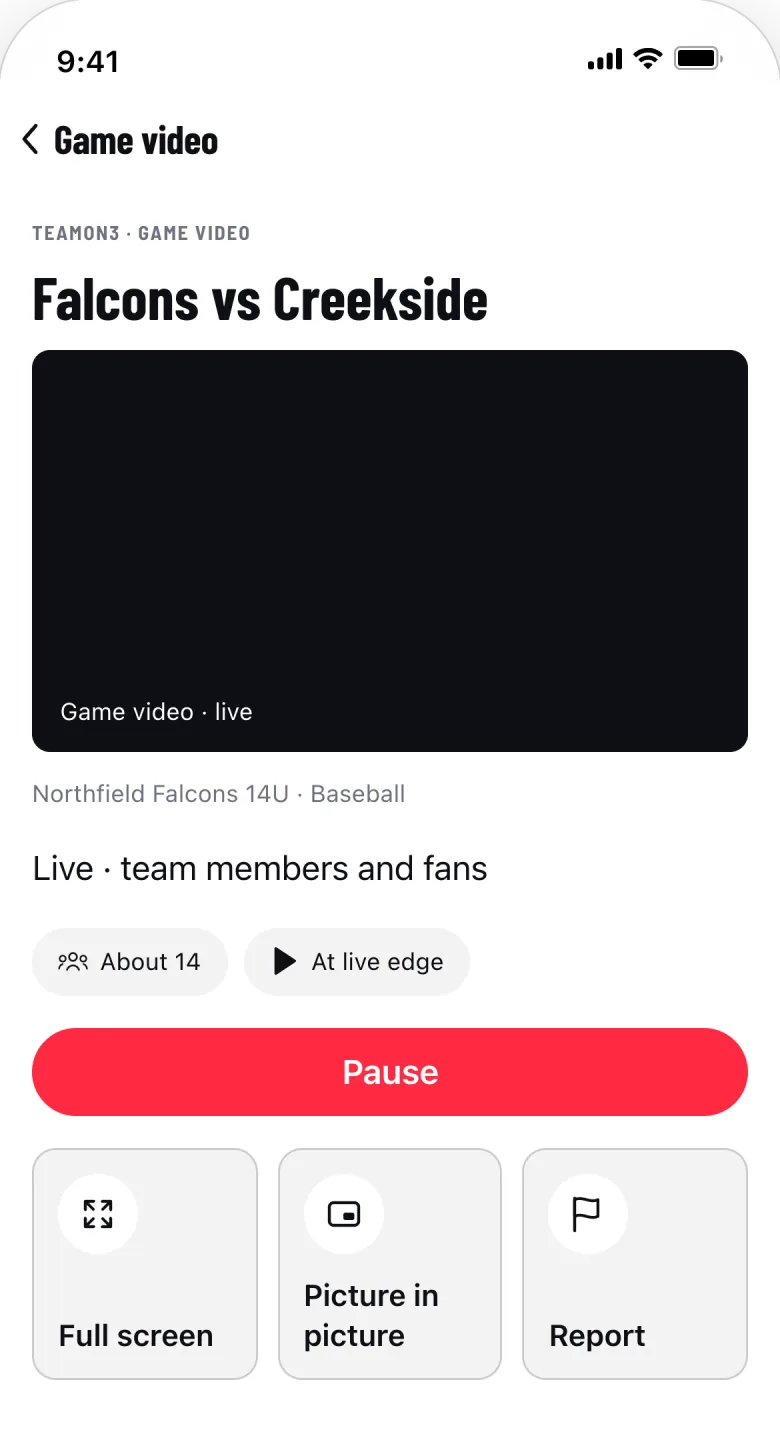
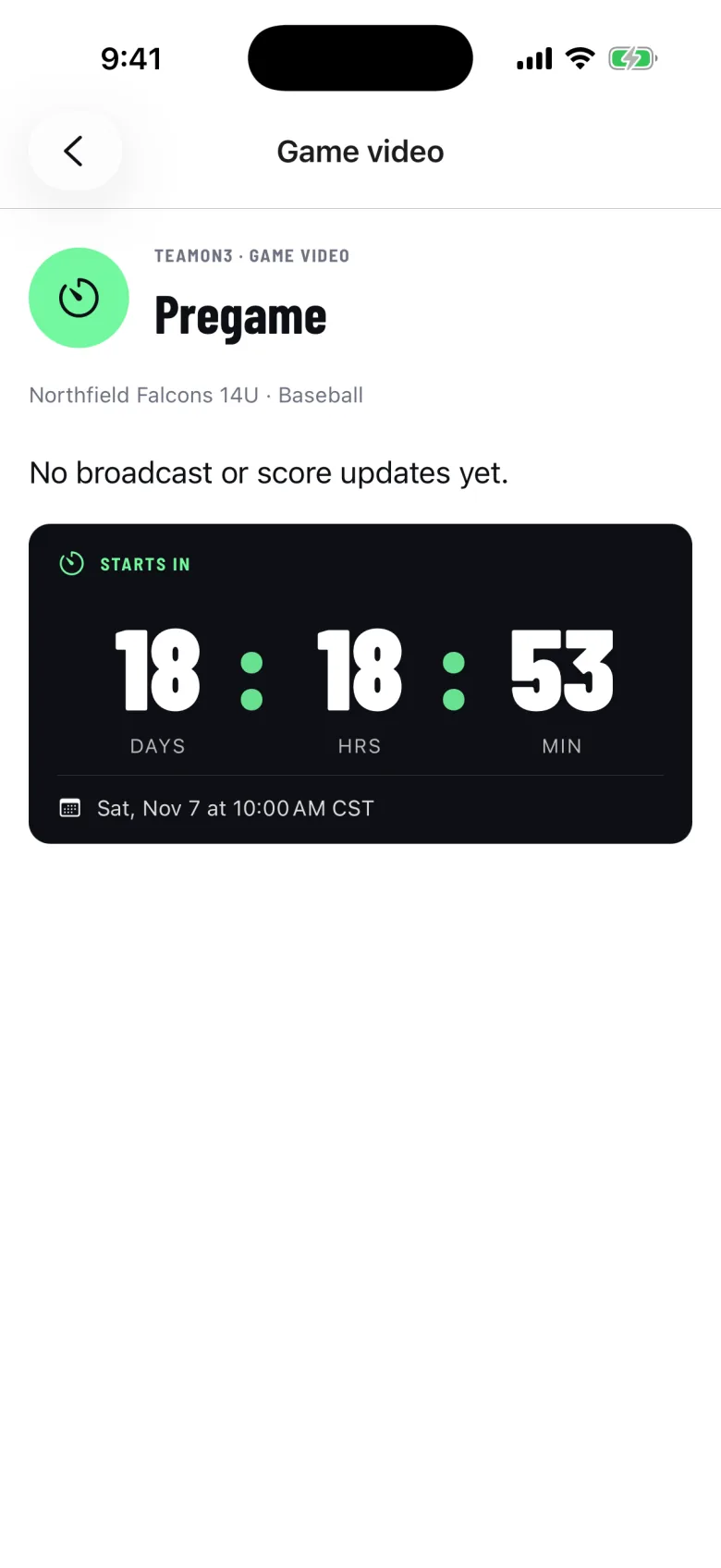
A countdown before the game, Watch live during it, Watch replay after.
- Scoring plays marked from the Scorebook
- Picture in picture while you reply
- Replays resume where you stopped
Moments and highlights.
Short clips from the game, checked by staff first.
-
Moments
Clips staff review before the team sees them.
-
Player highlights
One reel per player, start to finish.
-
Include in highlights
Guardians choose whether their player appears in clips.
Photos, video and privacy
When the Wi‑Fi drops.
Sideline connections fail. Game video picks back up.
-
Viewers are told
They see that the broadcaster stepped away.
-
The broadcast returns
It carries on when the phone reconnects.
-
The replay marks the gap
Nobody waits for footage that was never recorded.
Plans and storage.
Game video comes with a Team pass.
-
For the whole team
One Team pass covers every member.
Compare the plans -
Ten games per team, per season
Included with every Organization team seat.
For organizations -
How long video is kept
Admins set retention in Media settings.
How long we keep it
What it doesn’t do.
Something wrong in a video? Use Report on the video itself.
-
Outside cameras and encoders
The broadcasting phone’s own camera only.
-
Sharing clips outside TEAMON3
Off. Clips and replays stay with the team.
-
A delay promise
No promise on how far behind live runs.
Game video questions.
Short answers. The support page has the rest.
Can grandparents watch?
Yes, once the team adds them as fans. Fans sign in to TEAMON3 and can watch the team’s games live or as replays.
Can family watch on a laptop?
Yes, in a browser with TEAMON3 on the web, signed in with the same account and the same rules about who can watch. Broadcasting stays on the phone.
Can I keep my child out of highlights?
Yes. Turn off Include in highlights in Media preferences. It applies to clips and highlight reels; the live broadcast and the full replay show the game as it happened.
Which plan includes game video?
The Team plan, for every member of the team. In an Organization plan, each team seat includes ten streamed games a season. To bring your team in early, join the Early Team list.
Every game, for the whole team.
Lock in the $99 founder price for your first Season Pass.