

Every account belongs to an adult.
Players under 18 are roster records, never users. Guardians can read their player’s team channels.
Opens your email app support@teamon3.com
-
Adults only
Sign-up checks age first. No account under 18.
-
No unobserved channel
Guardians can read every team channel their player is in.
-
Photo locations removed
Stripped before anyone else sees a photo.
-
No ads, no data sales
No advertising. Data is never sold or used to profile children.
Access comes from the link.
A guardian sees a team because they’re linked to a player. End the link and access ends.
- Staff approve every link request
- Consent recorded with a typed legal name
- A wrong link can be undone, on record
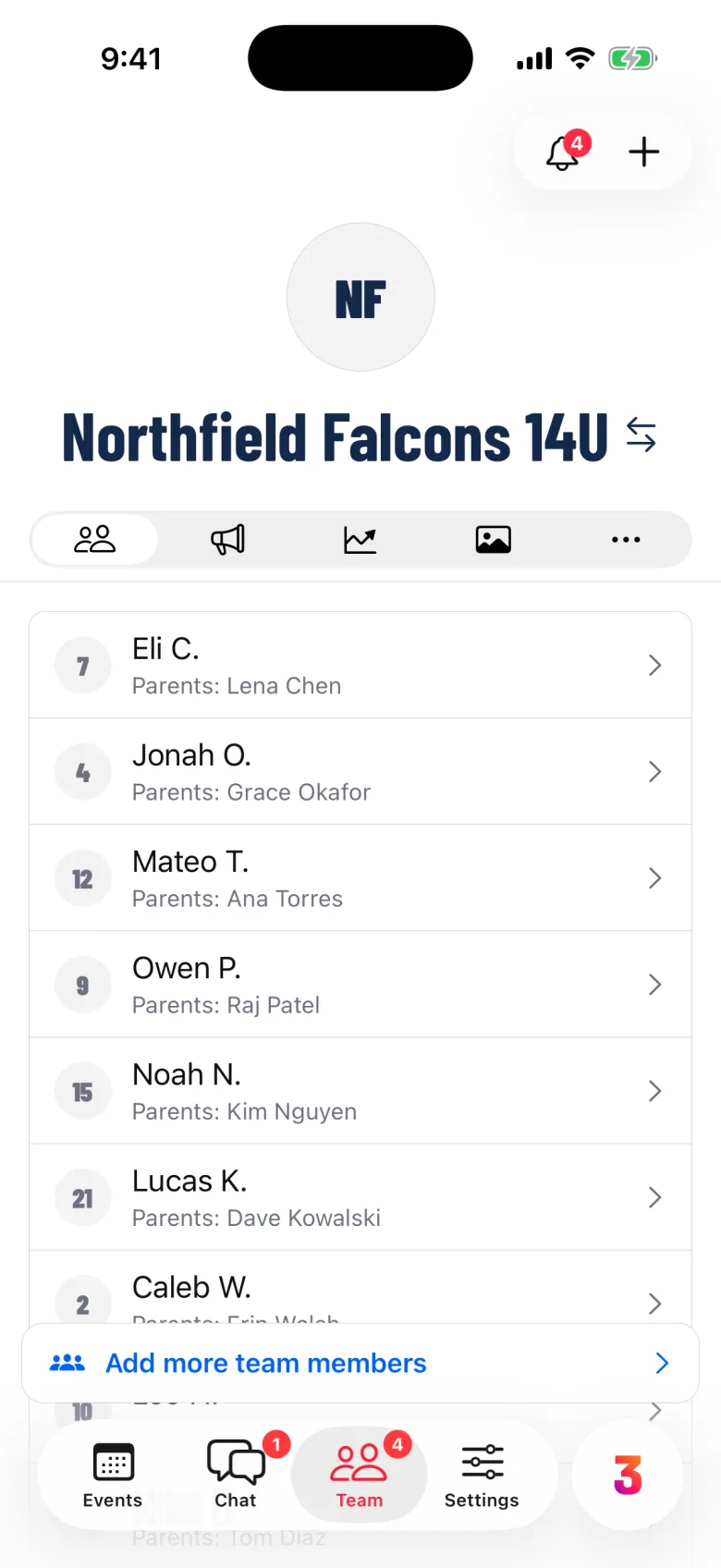
Who sees what in chat.
No setting, coach or admin can hide a team channel from a player’s guardian.
-
Team channels
Guardians read every channel their player is in.
-
Direct messages
Between adults only. A player under 18 can’t be messaged.
-
Fans
Fans follow the schedule and games. They don’t chat.
Photos, video and files.
A photo of a child at practice shouldn’t say where it was taken.
-
Location removed first
GPS and other details go before anyone sees it.
-
Kept private
Stored privately, shown through short-lived links.
-
Include in highlights
Guardians choose whether their player appears in clips.
Moments and highlights
Report, block, reach us.
Something wrong doesn’t have to go through the team.
-
Report a message
Pick a reason, including “A child is unsafe.”
-
Block an adult
Settings, then Blocked people, lists everyone you blocked.
-
Report a safety concern
From Settings, then Help, or by email. It reaches TEAMON3 directly.
Email a safety concern
If a child is in immediate danger, call 911 first. Then tell us.
Your account, your controls.
Settings, then Account. Notifications decide what reaches your phone.
- Two-Factor, required for admins who take payments
- See and sign out every device
- Request a copy of Your Data
- Delete Account in the app
- Quiet hours; security notices stay on
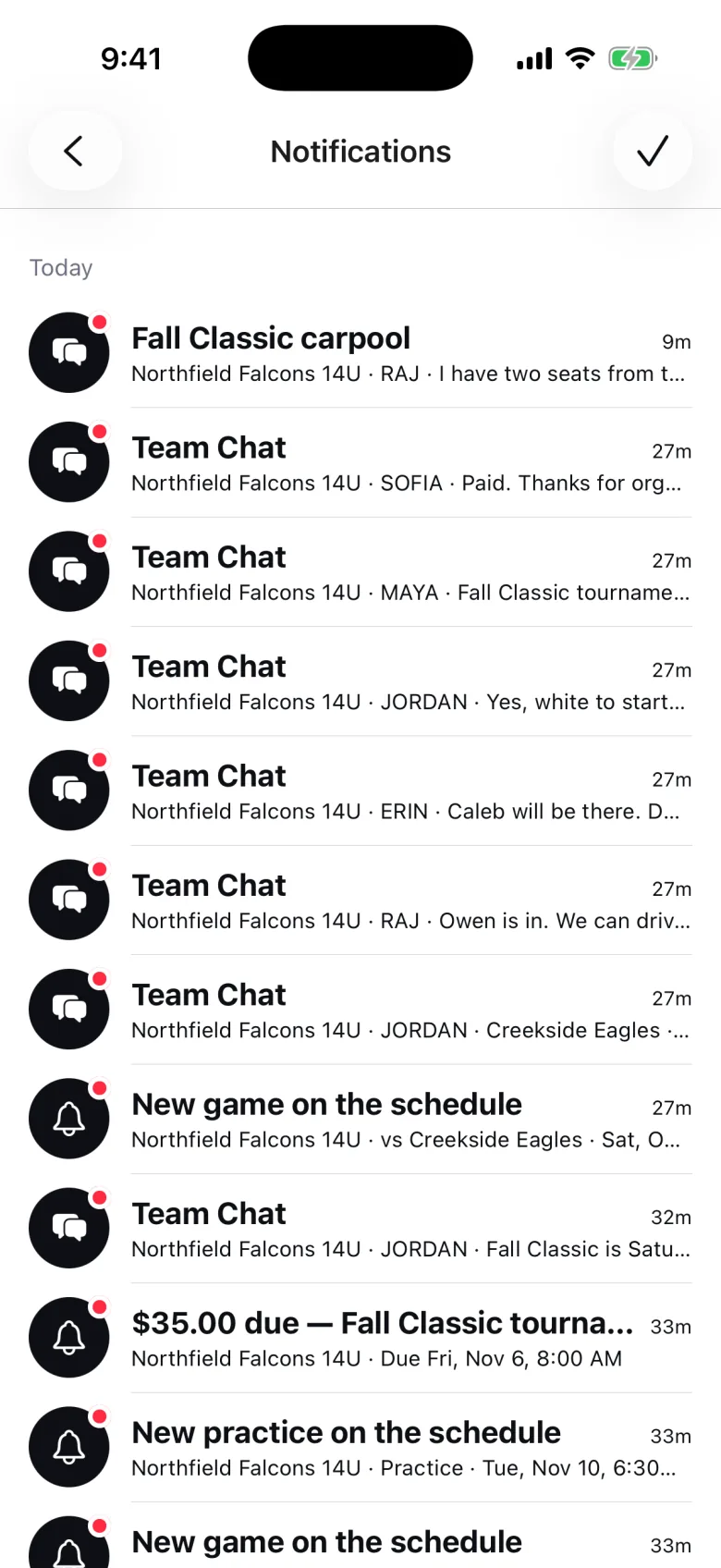
Trinity follows the same rules.
It sees only what you can. Nothing changes until you confirm, and a receipt records each change. How Trinity works
Safety questions.
The Privacy Policy is the full account. The support page answers the rest.
Can my 15-year-old have their own account?
No. Accounts are for adults 18 and older. Your player is a roster entry linked to you. At 18, they can create their own account.
Can a coach message my child privately?
No. A player under 18 has no account and can’t be messaged. Team channels their player is in are readable by their guardians.
Who can see the photos of my child?
The people who can see the team chat or team page where it was shared. Location data is removed first, and photos are never on public web addresses.
What if the wrong adult is linked to my child?
Tell the team’s staff: they can remove the guardian or undo a mistaken link, and the change is recorded. If you can’t reach them, email us.
A question we haven’t answered?
Write to a real person. Safety questions reach TEAMON3 directly.